Jumper settings
Pin headers often carry jumpers that select a mode. PinConnect draws each setting as jumper caps over the pins, and the pinout's tooltip gets a button per setting. Hover a header, then press its buttons:
The six headers are the common shapes, from simplest to most involved:
| Header | Shape |
|---|---|
| CAN termination | An on/off jumper: one setting fits it, the other leaves it open. |
| Boot mode | A selector with a shared middle pin: the two positions overlap on one pin. |
| Fan voltage | An N-way selector: one row is shared, and one jumper picks a pin in the other. |
| Microstepping (A4988) | Combinations: each setting lists every jumper it fits, or none at all. |
| Data routing | A multi-pole switch: two jumpers that always move together. |
| Config header | Groups: unrelated jumpers on one header, each chosen on its own. |
The board TOML reference explains how to write each one, and the designer has an editor for them.
The source
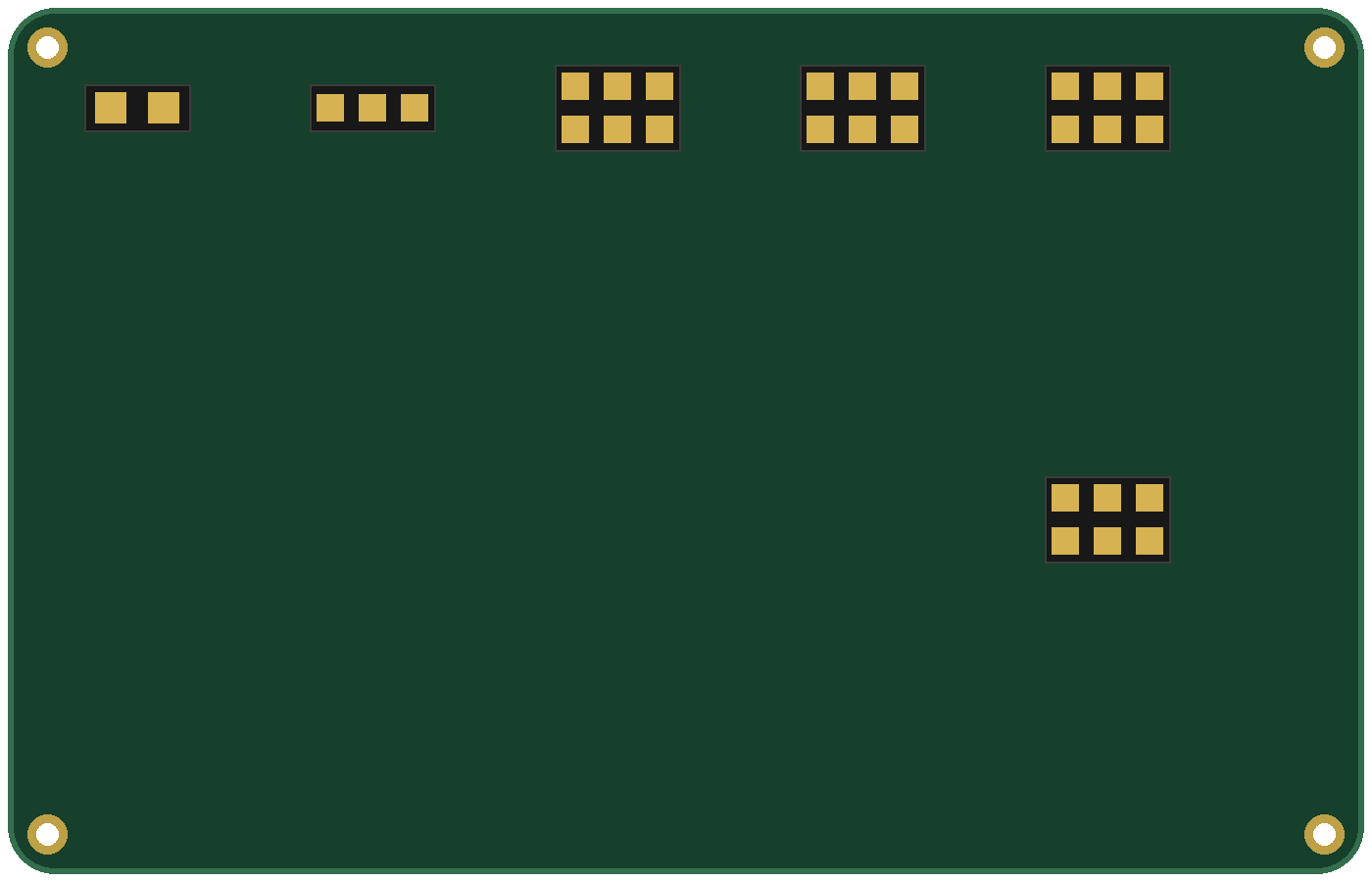
Download jumpers.toml and open it in the designer to see each header's settings. The board image, jumpers.png, is a plain board with a header drawn in each connector's box.
The fan voltage selector in jumpers.toml
# An N-way selector: one row is shared, one jumper picks a pin in the other.
[[connector]]
id = "FANV"
name = "Fan voltage"
type = "HDR-254-2R"
x1 = 560
y1 = 60
x2 = 700
y2 = 160

  [[connector.pin]]
  name = "VFAN"
  color = "#F39C12"

  [[connector.pin]]
  name = "5V"
  color = "#E74C3C"
  row = 2

  [[connector.pin]]
  name = "VFAN"
  color = "#F39C12"

  [[connector.pin]]
  name = "12V"
  color = "#E74C3C"
  row = 2

  [[connector.pin]]
  name = "VFAN"
  color = "#F39C12"

  [[connector.pin]]
  name = "VIN"
  color = "#E74C3C"
  row = 2

  [[connector.setting]]
  label = "5V"
  jumpers = ["1-2"]

  [[connector.setting]]
  label = "12V"
  jumpers = ["3-4"]

  [[connector.setting]]
  label = "VIN"
  jumpers = ["5-6"]
  default = true
  description = "Fans run at the input voltage."